
Real-time iOS detection
When bijou can observe the current Apple Music play, it waits for the scrobble threshold before submitting to Last.fm.

bijou.fm is a native iOS Last.fm scrobbler for Apple Music, built around cautious automatic detection instead of blind API guesses. It tracks live plays, catches up from Apple Music history, and keeps weaker signals reviewable.
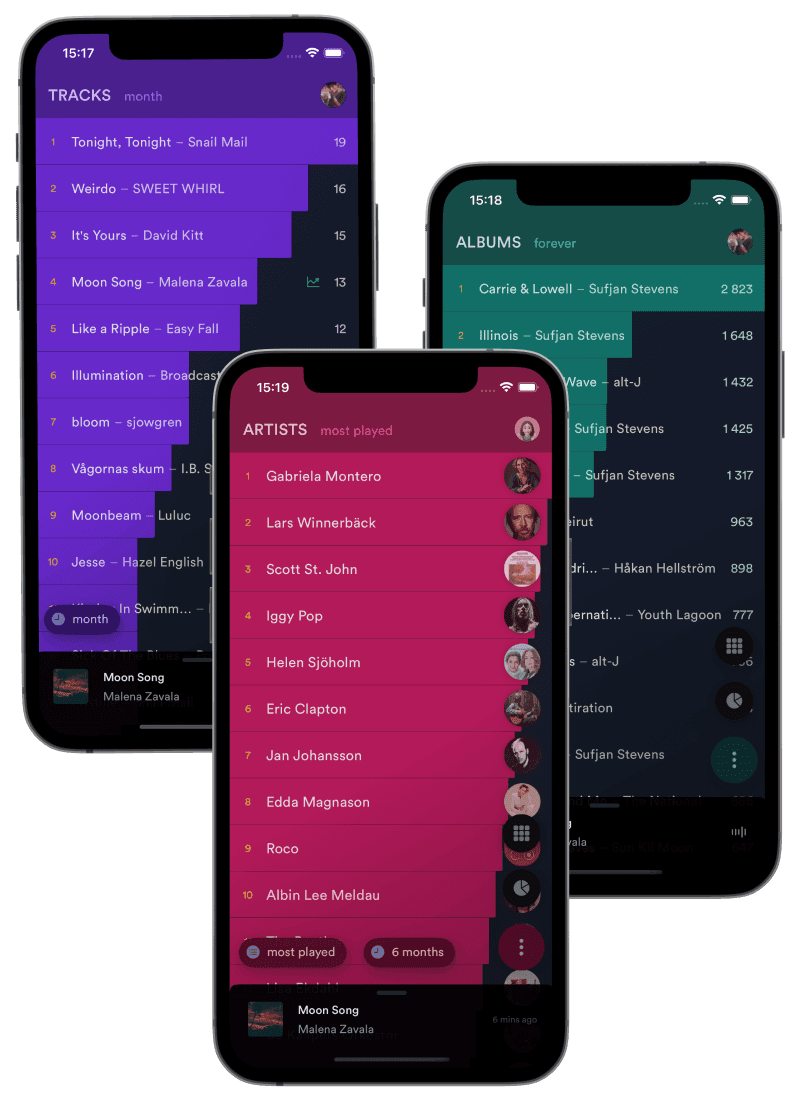
When bijou can observe the current Apple Music play, it waits for the scrobble threshold before submitting to Last.fm.
Foreground and background syncs reconcile Apple Music recent-played history so missed sessions can still be reviewed or queued.
Apple Music library play-count changes add confidence for repeat plays, especially when the recent-played API alone is ambiguous.
Designed for accuracy
Apple Music does not expose one perfect scrobbling signal on iOS. bijou combines the signals that exist, then prefers review or a missed scrobble over submitting a track that probably was not played long enough.
Tracks shorter than 30 seconds are ignored, and normal tracks wait until halfway through or 4 minutes, whichever comes first.
bijou deduplicates across real-time, library, and API sources, then checks recent Last.fm history before submitting again.
Non-library API detections can stay in review instead of being treated as certain, depending on your automatic scrobbling mode.
The default mode is Trusted Sources: bijou auto-scrobbles high-confidence Apple Music plays and keeps lower-confidence detections out of your Last.fm history until you review them.
Adding tracks to your Apple Music library improves repeat-play confidence because bijou can compare library play-count changes against the recent-played API.
Detect plays and queue them pending, so you approve automatic detections before they reach Last.fm.
Default mode. Auto-scrobble real-time player detections and library-verified Apple Music plays.
Auto-scrobble every detected play, including non-library Apple Music API candidates.
Compare iPhone scrobblers
These comparison pages explain where bijou.fm fits if you are choosing between manual Last.fm cleanup, focused iPhone scrobblers, and Apple Music power-user apps.
Compare manual Last.fm cleanup workflows with bijou.fm Apple Music scrobbling.
Compare iPhone Apple Music scrobbling, review modes, and Last.fm history tools.
Compare Apple Music power-user scrobbling with bijou.fm Last.fm tracking.
bijou checks the permissions it needs before enabling the scrobbler, then syncs when the app is active and through iOS background tasks when available.
Use the iPhone app for automatic Apple Music detection, and keep the web manual scrobbler available for vinyl, live shows, offline sessions, and clean-up.
Yes. bijou.fm is a native iOS app with an Apple Music scrobbler for Last.fm. It combines real-time playback detection with Apple Music recent-played catch-up and library verification.
bijou.fm ignores very short tracks and waits until a track reaches the scrobble threshold before submitting. Catch-up sync also suppresses candidates that match a recently skipped player session.
No iOS scrobbler can promise perfect background capture. bijou.fm uses real-time tracking while active, best-effort background continuation when iOS allows it, scheduled catch-up sync, and pending review for lower-confidence detections.
Trusted Sources is the default mode. It automatically scrobbles library-verified Apple Music plays and real-time player detections, while lower-confidence non-library API detections remain pending unless you choose Everything.